Please wait...


Address Book (Managing your Contacts)
The "Address Book" link (in the top right-hand corner by your name) contains all your NowComment contacts.
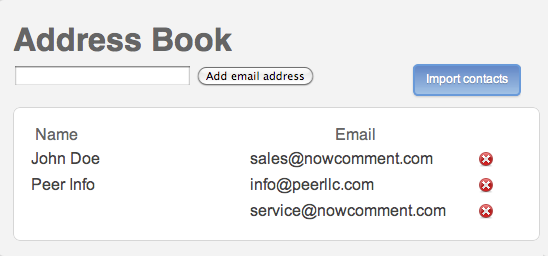
To add a new person not yet in your contact list, enter his/her email address into the data entry box (one address at a time) and click "Add contact".
NowComment will sync a newly added email address with that person's name after he/she activates their NowComment account.
You can also bulk import you contacts from Gmail, Hotmail, and Outlook (using the latter's CSV option); here's the Gmail screen:
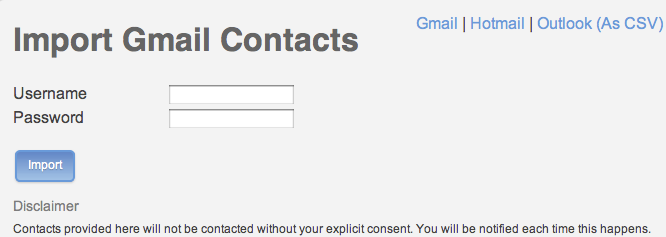
[Sorry, we can't yet import contacts from Yahoo Mail, non-Outlook CSV files, or other data sources.]
There are several ways to share a document with someone in your Address Book, or to add someone from your Address Book to a Group:
- type in 4+ characters of their name and let NowComment find Address Book matches
- type in 4+ characters of their email address and let Nowcomment find matches
- browse your Address Book and select them
We have more tip files and short videos that walk you through using NowComment… or skim our "Features Gallery".
 icons on the left to see existing comments.